

Reference

Getting the dhono88 Lobby Onto Your Phone

Your account, wallet and full game lobby all open through the mobile browser, so there is nothing to sideload before you play.

mobile browserdevice accessavailability checksame-account syncno file to sideload
dhono88 Getting the dhono88 Lobby Onto Your Phone
APP FEATURES

The Small Things That Speed Up a Session

Most of what makes the mobile lobby usable is invisible until you need it. Your sign-in session stays open between visits, the layout drops into a dark palette for late play, and game tiles remember the rooms you opened last. Push alerts are opt-in per category, so you can keep table notifications and mute the rest. Everything below runs inside the browser session tied to your account.

Biometric sign-in Register your fingerprint or face on the handset once, then open the lobby without retyping your password. If you change phones, sign in the usual way and set it up again from your account security panel.
Dark mode A dimmed palette for the late session, applied across slots and the sportsbook. Cards, betslip and balance stay readable without the white glare, and the setting sticks to your account between visits.
Push alerts Choose which categories reach your lock screen. A live table opening a seat, a slot room you follow, or a cricket market you saved can ping you, while the rest stays quiet until you open the lobby.
Quick deposit The cashier chip sits on the lobby bar, so a bKash, Nagad or Rocket transfer takes two taps mid-session. Send to the account number shown, confirm with your PIN, and the balance updates in the same window.
dhono88 Slots, Live Tables and a Betslip in Your Pocket

Slots, Live Tables and a Betslip in Your Pocket

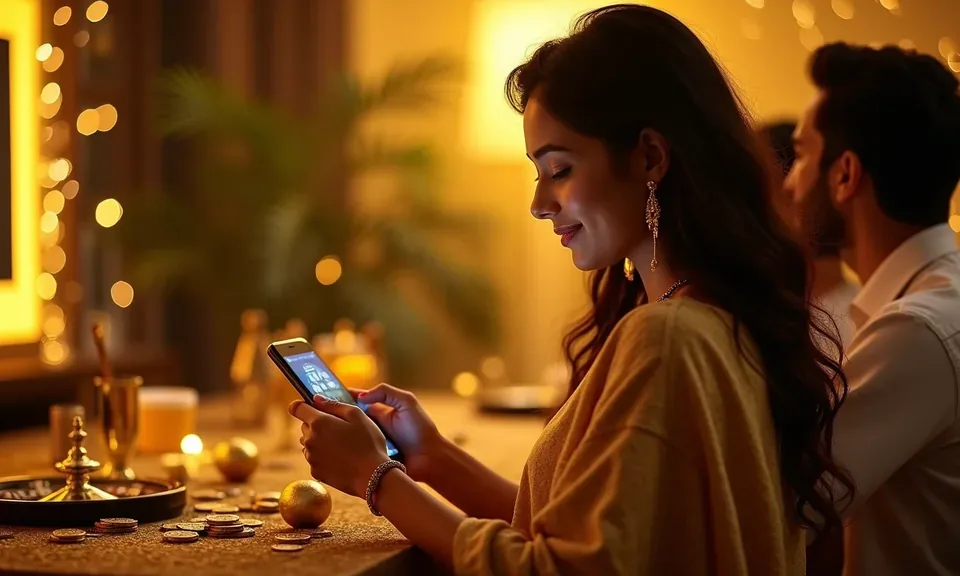
The mobile lobby is built around the bus ride and the 11pm bed session. Slots open in portrait with the reels already sized to your screen, and live tables from Evolution keep the dealer view and the betting grid on one scroll. Fingerprint or face unlock lets you skip the password once you have signed in on that handset. Turn on push

alerts and a table you were watching pings you when it seats; the betslip holds your cricket picks while you check the BPL fixture list. Quick deposit sits two taps from the lobby, so a Nagad cash-in at the agent does not pull you out of a game.
What Your Phone Needs to Run the Lobby

We keep the mobile lobby within what an ordinary Bangladesh handset can handle. Slots and the betslip run on modest hardware; the heavier live tables from Evolution want a stable connection. Use this checklist before you sign in, and treat any figure the lobby shows — including game RTP where a provider publishes it — as information supplied by that studio, not a promise from us.

BrowserChrome on Android and Safari on iOS are the two we test against. Other Chromium browsers usually work; if the lobby loads without images, update or switch browser.
Screen layoutPortrait suits slots and the betslip. For live tables with a dealer view, rotate to landscape so the betting grid and the stream sit side by side instead of stacked.
Account requirementOne verified account covers every device. Sign in on a second phone with the same username and password plus an OTP, and the wallet balance follows you rather than duplicating.
ConnectionLive tables stream continuously, so a steady data connection keeps the dealer view in sync. On a weak signal, slots and crash games hold up better than multi-table live rooms.
Supported devicesThe account area lists what is currently supported for your region. If your handset is not covered, the desktop lobby remains open to you and support can confirm the position.
dhono88 Mobile access in 3 steps

Mobile access in 3 steps

Start with the address you already use for the desktop lobby. Paste it into Chrome on Android or Safari on iOS, and let the page settle before you sign in — the mobile layout takes a second to size itself to your screen. Sign in with your username and password, then pass the OTP that arrives by SMS. Once you are in,

approve the browser's prompt to save the credential and switch on fingerprint unlock from the security panel. If a native build is ever published for your region, we post the link inside the account area with a matching domain check, so you never have to trust a forwarded file. Bookmark the page for the next session.

  • Open the current site address — Type the lobby address into your mobile browser directly. Skip links sent by SMS or social messages, and check the domain spelling before you enter any credential.
  • Check browser compatibility — Chrome on Android and Safari on iOS both render the mobile lobby. If a page loads flat or buttons sit oddly, clear the cache or update the browser, then reload before signing in.
  • Sign in securely — Enter your username and password, then the OTP sent to your registered number. Approve the save-password prompt and turn on fingerprint unlock so later sessions skip typing.
  • Confirm device support — Open the account area to see which devices and regions are currently supported. If your handset is not listed, use the desktop lobby and contact support through the published channel.

Questions About the dhono88 App

These are the app questions we field most often on the Bangladesh support channel. If yours is not here, message support from your account area and keep your registered number to hand — wallet and device checks usually need it.

We do not ask you to install a file from a random link. The lobby runs in your mobile browser, and if a native build is published for your region we post it inside your account area with the matching domain so you can verify it first.

Yes. Chrome on Android and Safari on iOS both render the lobby, including slots, live tables and the sportsbook. On older handsets, slots and crash games tend to run smoother than the heavier multi-table live rooms.

Once you have signed in on a handset, the security panel lets you register fingerprint or face unlock. It is tied to that device, so a new phone needs one normal sign-in with your password and OTP before you set it up again.

No. Your account wallet is one balance across every device. Mobile wallet cash-ins through bKash, Nagad or Rocket land in the same wallet you see on desktop, so there is nothing to transfer between the two.

The account area lists the devices and regions currently covered. If yours is not on it, the desktop lobby still works for you, and Bangladesh support can confirm whether coverage is expected to change.

The betslip travels with you. Add selections on the bus, review the stake over lunch, and confirm when you are ready. Markets and fixtures depend on what is open on the sportsbook at the time, and eligibility follows local law in your region.
Reference

dhono88 App

Service availability depends on eligible regions and local law. Users should check local rules before opening an account.

Access may be available only where local law permits.